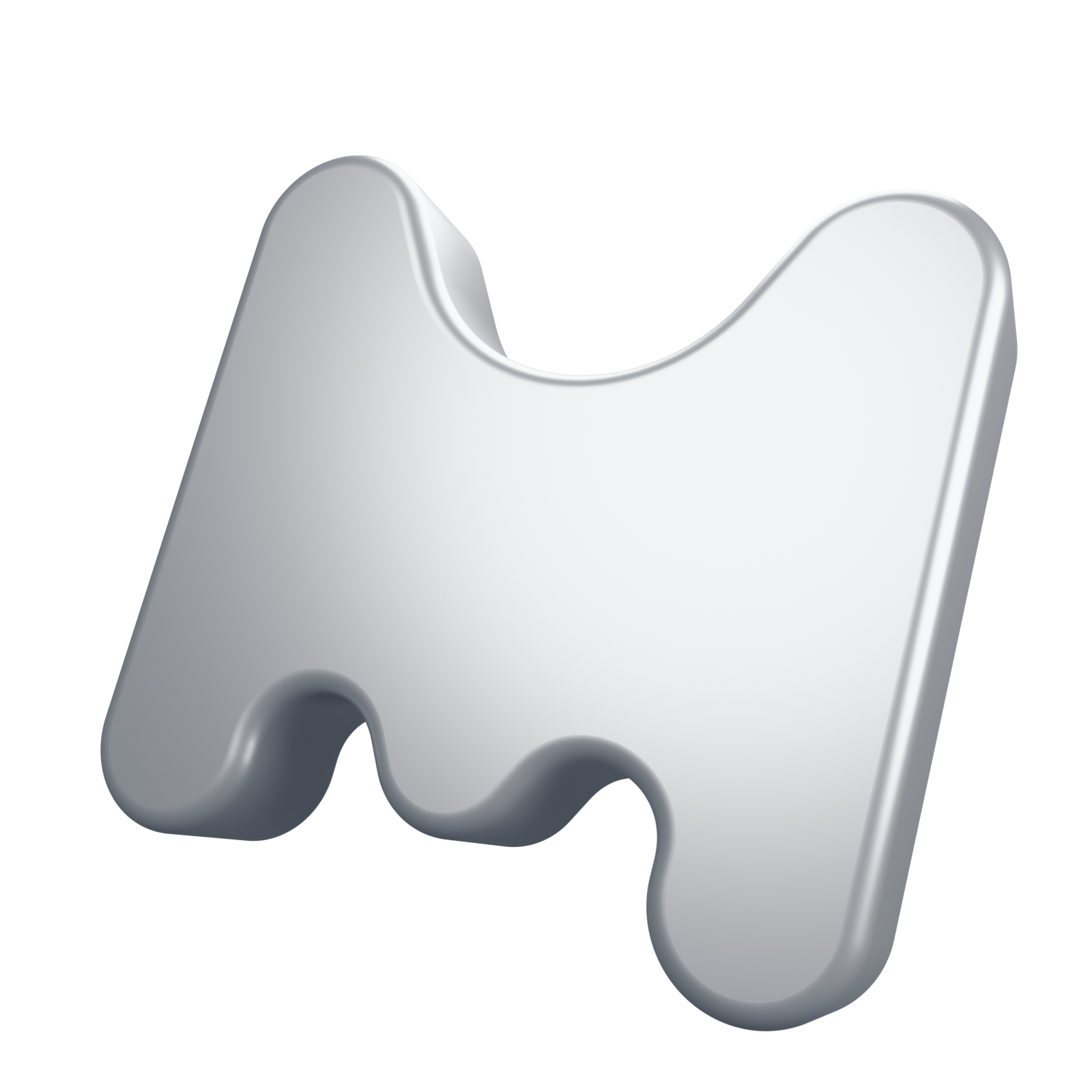
A model can have a smooth outline and still show bands across its surface. Reflections make small changes in the surface direction easier to see, especially along rounded edges.
A higher image resolution improves the outline. Bands within the object may need a different fix: more suitable geometry or corrected normals. Normals describe the direction a surface faces and affect how it is shaded.
The MOVARO mark uses a welded mesh. Vertices at adjoining edges are joined, and normals are smoothed around the bevels. The broad front and back faces keep flat normals so they remain flat under the lights.
Check the inner curves as well as the outer edges. Use simple lighting and rotate the model. A surface that looks fine from the front may show shading problems from another angle.